Farewells Clicker System Requirements
What Steam publishes for the 1.0 client.
Farewells Clicker is a small Steam client. The store lists Windows and macOS as supported platforms, a 300 MB install, DirectX 11 on PC, and Steam Cloud. This page copies the published minimums so you can check a machine before you buy, then adds the launch-week caveats that numbers on a store card never mention: ultrawide UI, large islands, and the demo’s resolution complaints.
Prices and discounts change. Requirements can too. If this page and the Steam store disagree, the store wins.
Windows minimum (Steam)
- OS: Windows 10, 64-bit
- CPU: Intel Core i3 2.0 GHz or equivalent
- RAM: 4 GB
- GPU: NVIDIA GeForce GTX 660 / AMD Radeon HD 7870
- API: DirectX 11
- Storage: 300 MB
That GPU line is a 2012-era card. The game is an isometric island, not a ray-traced shooter. A laptop that can run other casual Steam titles will usually run this. The real risk on old PCs is hitching after you paint a huge claimed rectangle, not failing to launch.
macOS minimum (Steam)
- OS: macOS 11 Big Sur or later
- CPU: Apple M1 or Intel Core i3 2.0 GHz or equivalent
- RAM: the store API text we indexed says 4 MB, sitting next to the Windows 4 GB line. Treat 4 MB as a listing typo until Steam edits it. If a Mac build refuses to start, believe the error dialog and the live store card, not a copied megabyte figure.
- GPU: Apple M1 integrated GPU / AMD Radeon Pro 560
- Storage: 300 MB
M1 and later Apple silicon is the comfortable target. Intel Macs that meet the i3 line should still be in spec on paper.
Linux
The store platforms row we indexed marks Windows and macOS, not Linux. An API dump also exposed an Ubuntu 20.04-style minimum with a GTX 660-class GPU and 200 MB storage. That is not the same as a supported Steam play button. If you are on Linux, check the live platforms row and Proton notes yourself before you pay. This wiki will not promise a native Linux build that the store toggle does not advertise.
Steam features that affect “will it run”
Steam lists single-player, Steam Achievements (26), Steam Cloud, stats, family sharing, custom volume controls, stereo sound, save anytime, and playable without timed input. Cloud and save-anytime matter more than disk: you can move a 1.0 profile between PCs. Family sharing is a store feature, not a second campaign designed for two people at once. The game is single-player only.
“Playable without timed input” is why you can lean on Guild Hall and auto-click instead of a rhythm. It is not a performance setting.
Display, ultrawide, and settings
Demo players on 5120x1440 reported missing resolution options and a messy recap window. Patch 0.6.0 added display mode and resolution dropdowns. Patch 0.6.2 fixed more ultrawide UI cases. 1.0 added inverted camera and a light/dark transition between island and tech tree. If your “system requirement” problem is actually a UI crop, open Controls and Settings before you refund.
Detailed mode (Left Alt) is cheap. It does not need a better GPU. Turn it on so you are not guessing neighbor rules.
Large islands and 1.0 performance
The launch note says the studio optimized for big islands and big numbers. That is a promise, not a benchmark. If Creative Mode sketches stutter, shrink the claim, disable extra overlays, and avoid stacking every landmark on one frame. Creative Mode is the place to test a heavy layout without farewelling a campaign.
Demo versus full app
The demo is app 4437930. The full game is 4264950. Requirements are in the same class. Do not install only the demo and then wonder where achievements and Creative Mode went. Those are 1.0 features. See launch week and the review.
Storage and updates
300 MB is the listed footprint. Future patches may grow it. Leave a little slack on a nearly full SSD. Cloud saves are not a substitute for disk space on the machine that has to download the depot.
Before you buy
- Confirm Windows 10 64-bit or macOS 11+.
- Confirm 4 GB of real RAM, not the Mac “4 MB” typo.
- Confirm a DirectX 11-class GPU on PC.
- Confirm you want the full app if you care about achievements.
- Confirm the live price. Launch week carried a −15% introductory offer listed through 31 August 2026.
Official files and support sit on the Links Hub. Strategy starts on How to Play. If the client launches and then misbehaves, that is a known issues problem, not a GTX 660 problem.
Frequently Asked Questions
Quick answers to the most common Farewells Clicker questions.
Does Farewells Clicker run on Steam Deck?
Steam’s public card we indexed lists Windows and macOS. Check the live Deck compatibility row on the store before you buy.
How much disk space do I need?
Steam lists 300 MB on Windows and macOS. Leave extra room for patches.
Why does macOS say 4 MB of RAM?
That is what the store API returned next to Windows 4 GB. Treat it as a listing typo and believe the live Steam page if they disagree.
Is Linux officially supported?
The platforms row we saw does not enable Linux. An API minimum existed; that is not a promise. Check Steam before you pay.
Guides Overview
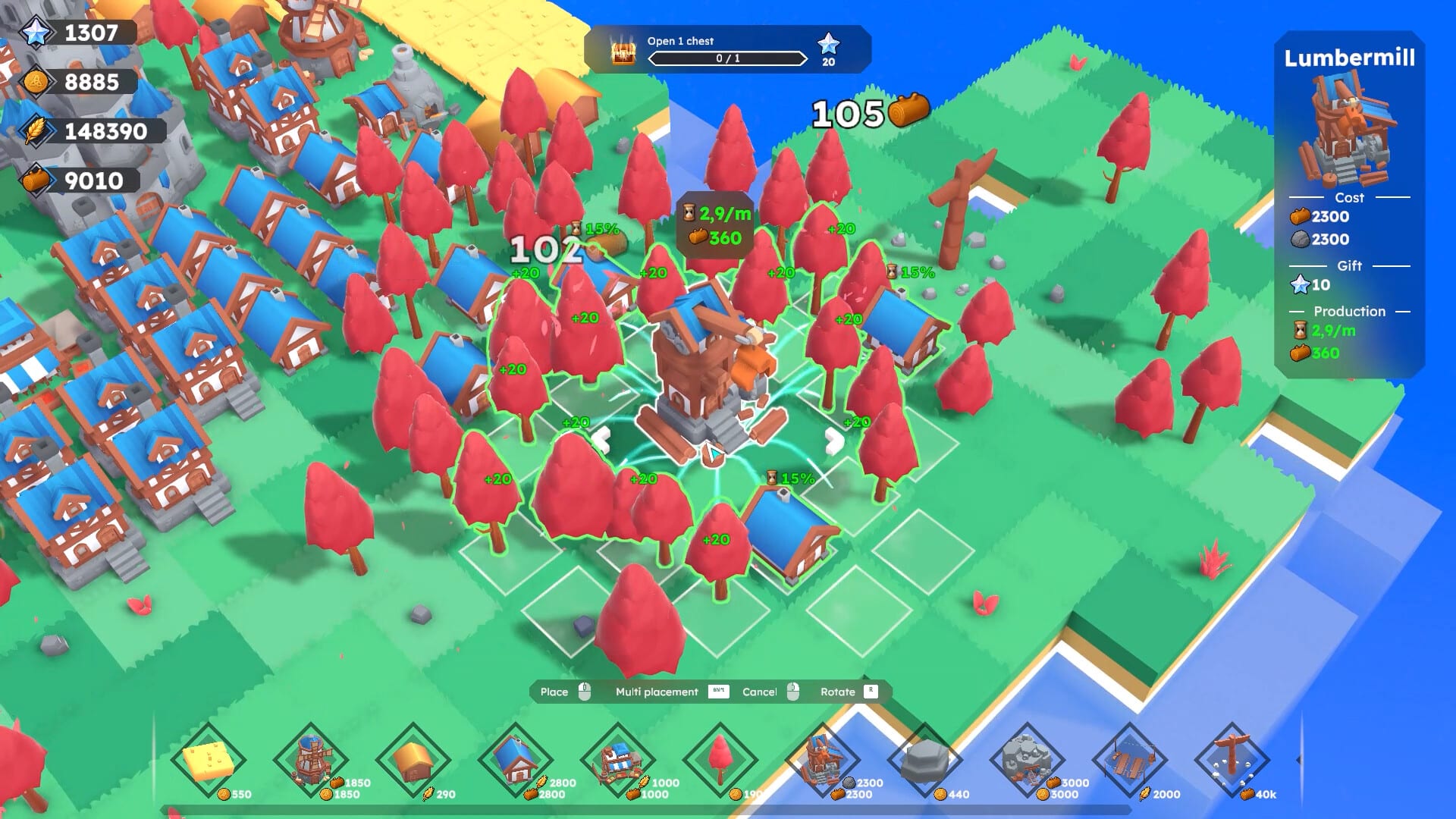
Farewells Clicker guides for how to play, expand land, farewell, chest events, controls, and a launch-week review.
How to Play
Learn Farewells Clicker from the first click: claim tiles, place producers, use auto-click, and finish the opening quests.
Expand Island
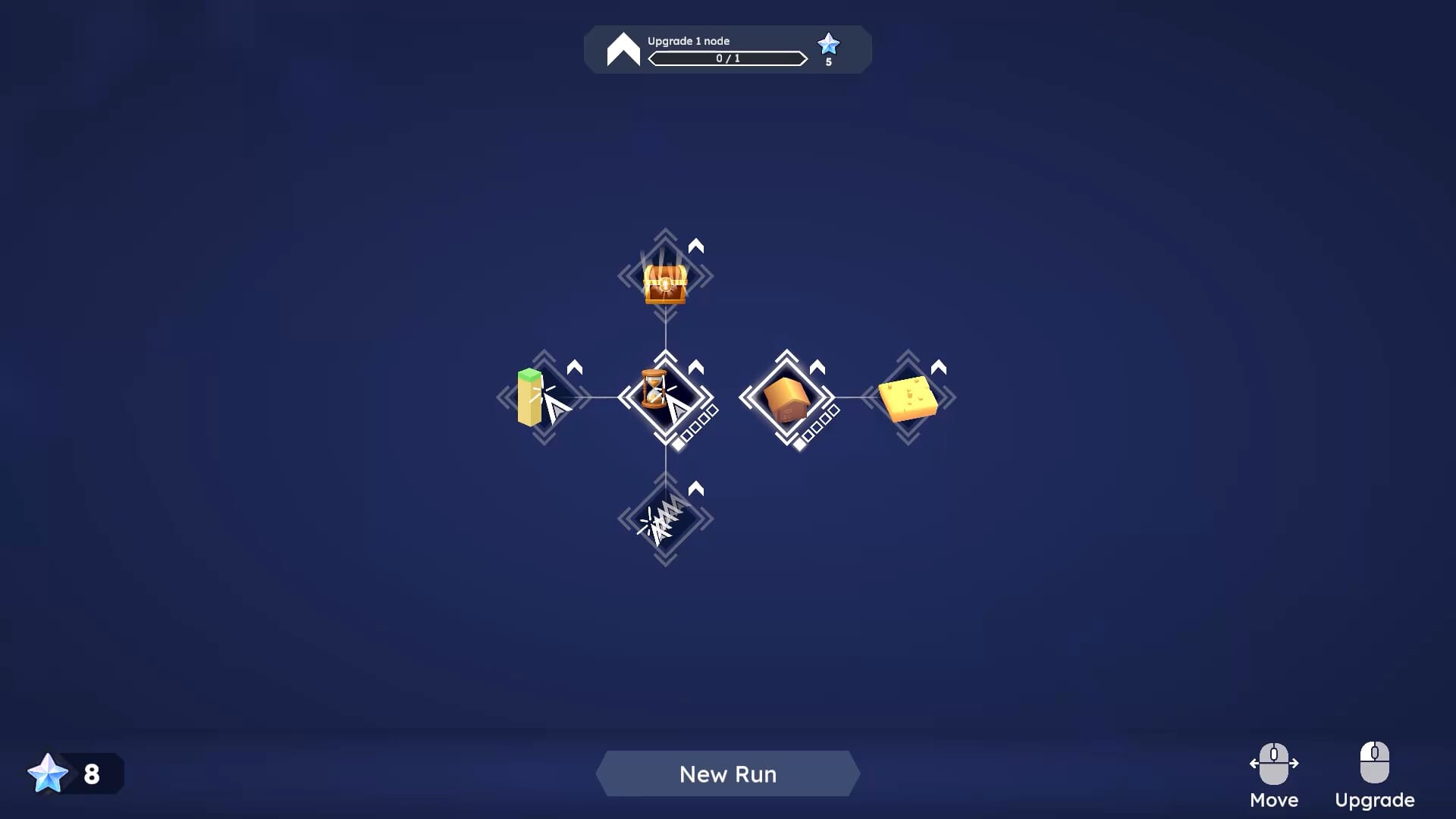
Expand a Farewells Clicker island with Watch towers, Multi Claim, and smarter borders instead of empty claimed grass.
How to Farewell
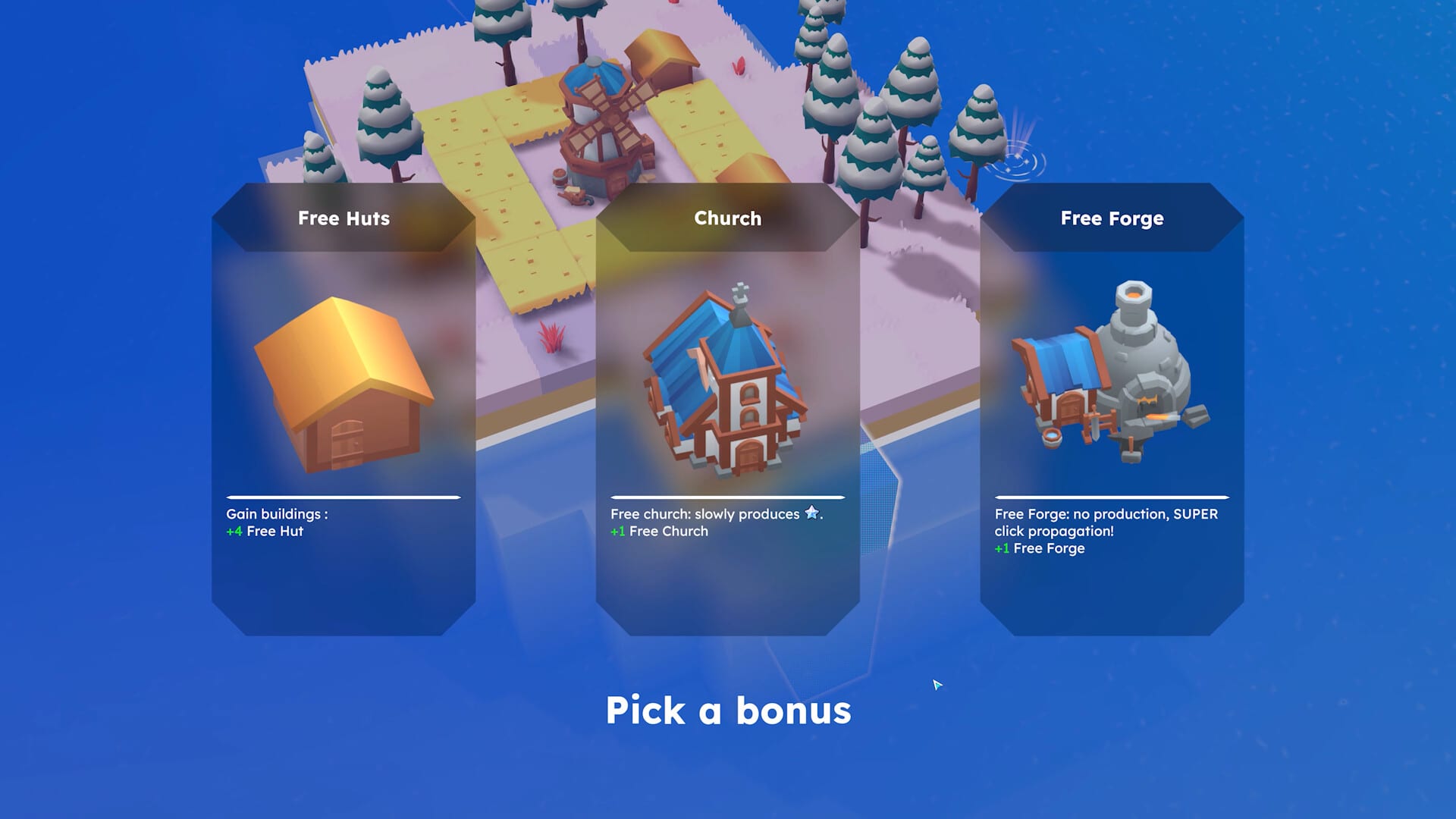
Learn when a Farewells Clicker farewell reset is worth it, what the recap shows, and when Creative Mode is safer.
Chest Events
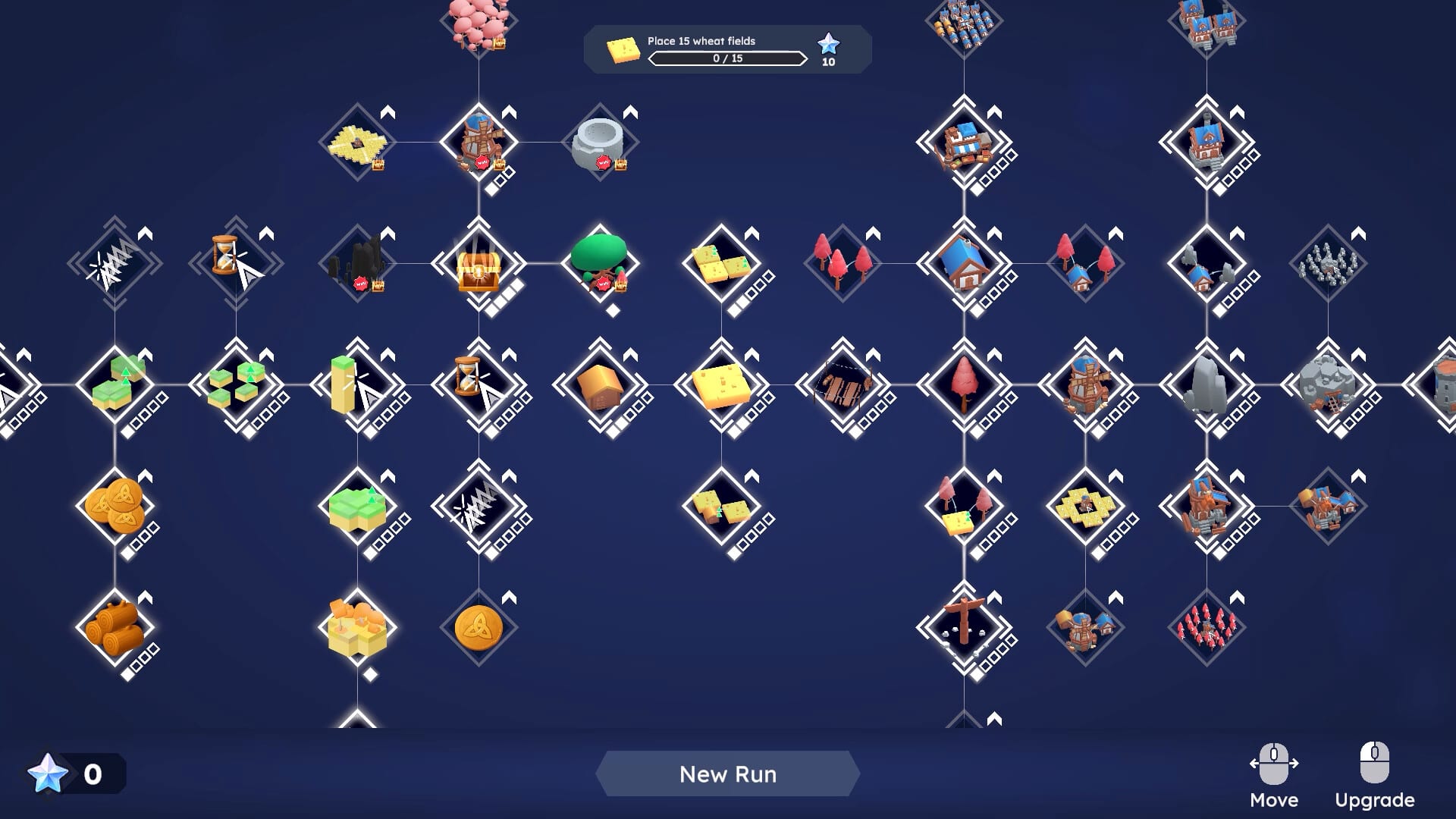
Chest events in Farewells Clicker: Whack-A-Mole, Tempest, and Cloning, plus when Chest Discovery is safe to unlock.
Controls
Farewells Clicker controls: Detailed mode, resolution, language, inverted camera, and ultrawide fixes from the 0.6 patches.