How to Play Farewells Clicker
The first-hour loop after the 1.0 launch.
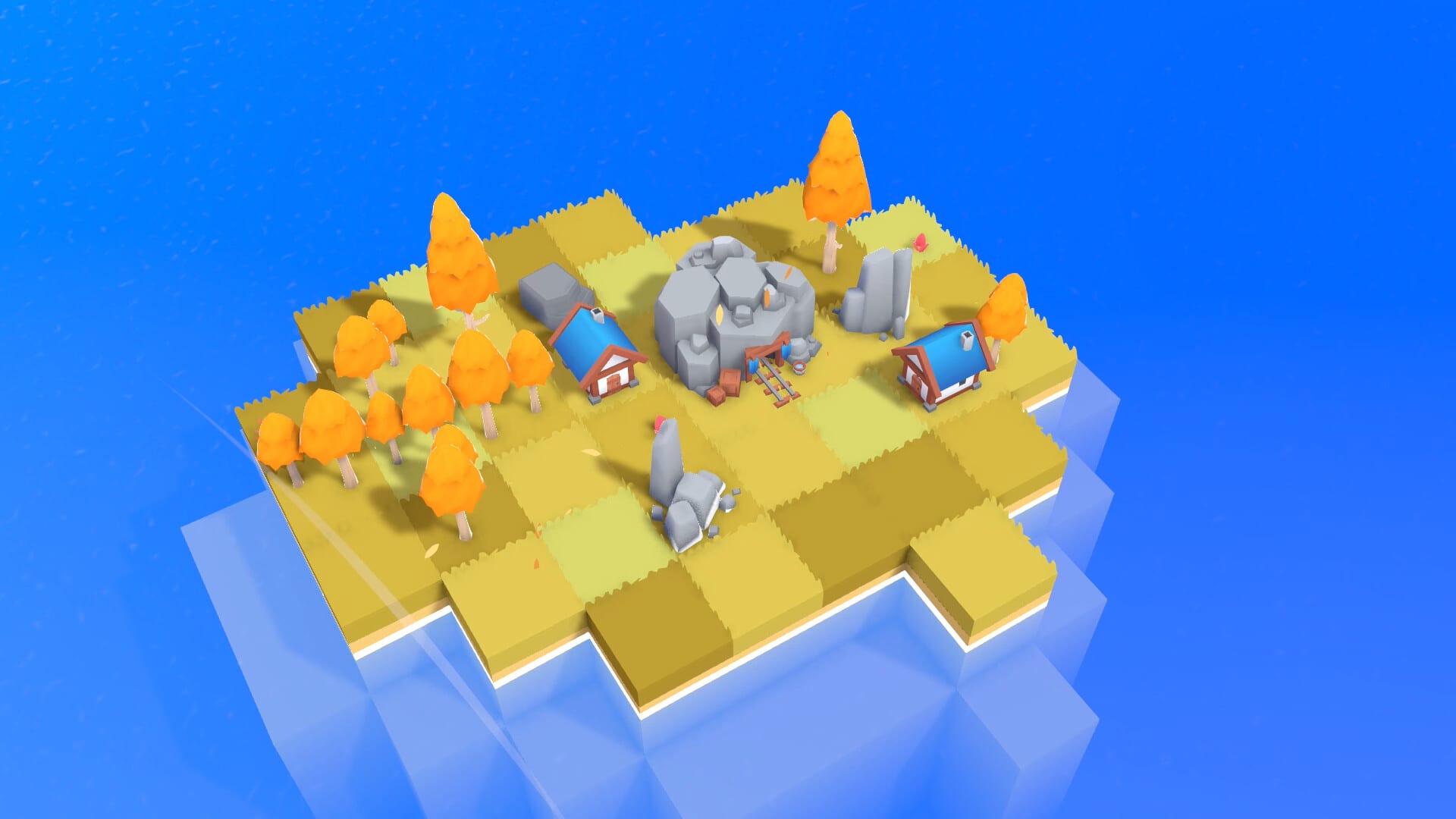
Farewells Clicker is a single-player Steam game that mixes idle clicking with a city you grow tile by tile. Team Square released version 1.0 on 17 August 2026. You start on a small island, claim more land, place buildings that produce resources, and click those buildings to speed the same production up. A skill tree sits beside the island view and spends stars on unlocks, range, and quality-of-life nodes.
This page is the how-to-play guide. It does not assume you finished the demo. It also does not invent hidden multipliers. When a number is not in an official note, read the tooltip. Patch 0.6.0 added Detailed mode for that reason: hold Left Alt or use the toggle in the lower-left corner to see more than the short income line.
The loop you repeat
Every useful session follows the same four beats.
- Claim tiles so you have room and, later, a chance to find chests.
- Place a building that matches the land you just claimed.
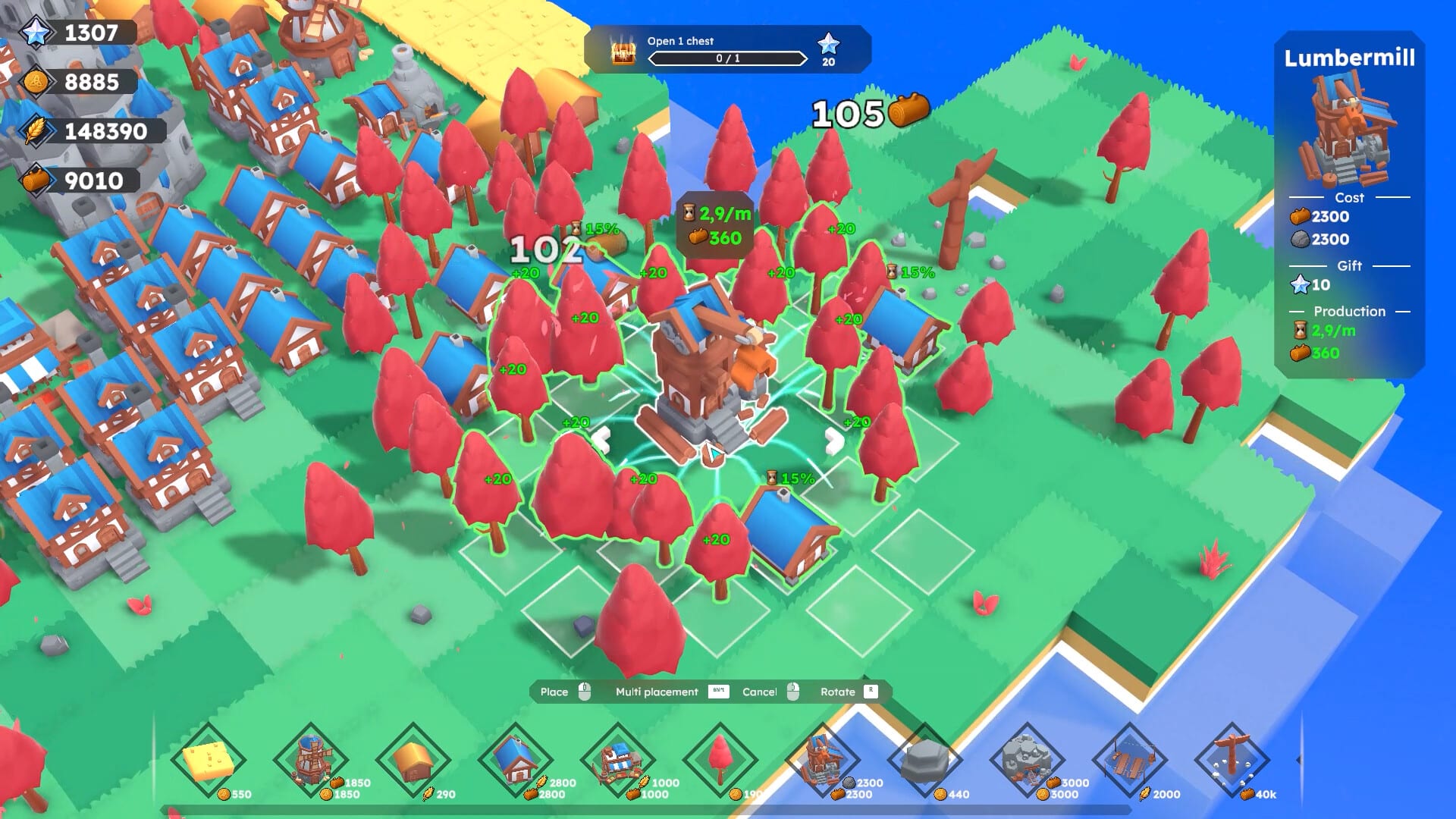
- Click the building, or let a Guild Hall / auto-click node help, so production ticks faster.
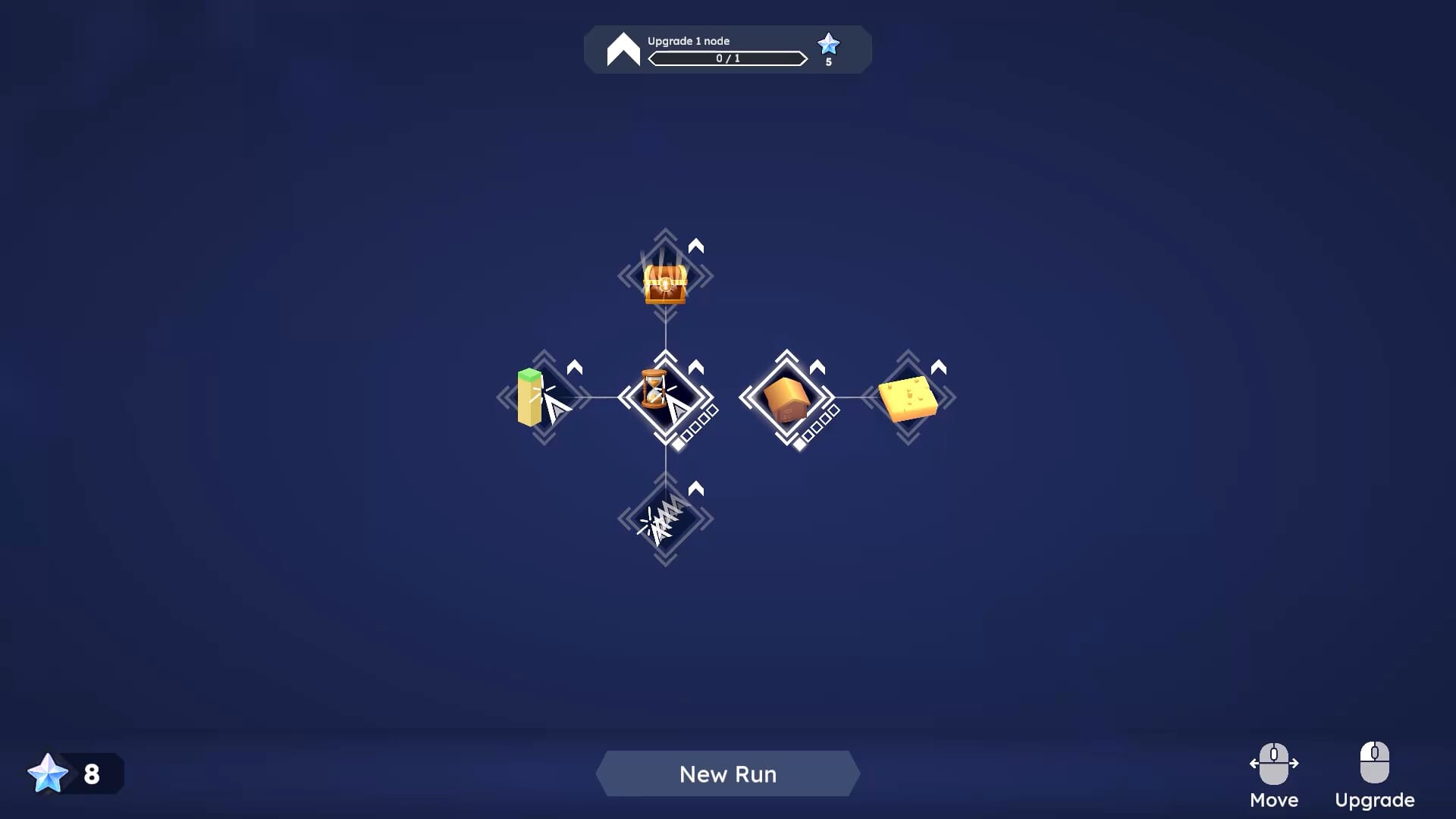
- Spend the new resources on the next building or the next skill node.
That is the whole early game. The skill tree and chest events only matter after you can do those four steps without thinking. If you feel lost, ignore stars for ten minutes and only claim, place, and click.
How claiming works
You do not stay on the starter island. Official store copy is blunt: more land equals more production potential. Claiming a tile spends a resource (shown in the claim prompt) and paints that tile as yours. Empty claimed land is not income. It is a slot. Fill it with a producer, a helper, or a landmark that grants stars.
Two tools change claiming speed. A Watch tower claims a large chunk of land when you place it and does nothing else. The Multi Claim skill node lets you claim several tiles at once. Use the tower when you need a sudden border. Use Multi Claim when you are already painting the coast by hand. The expand-island guide goes deeper on both.
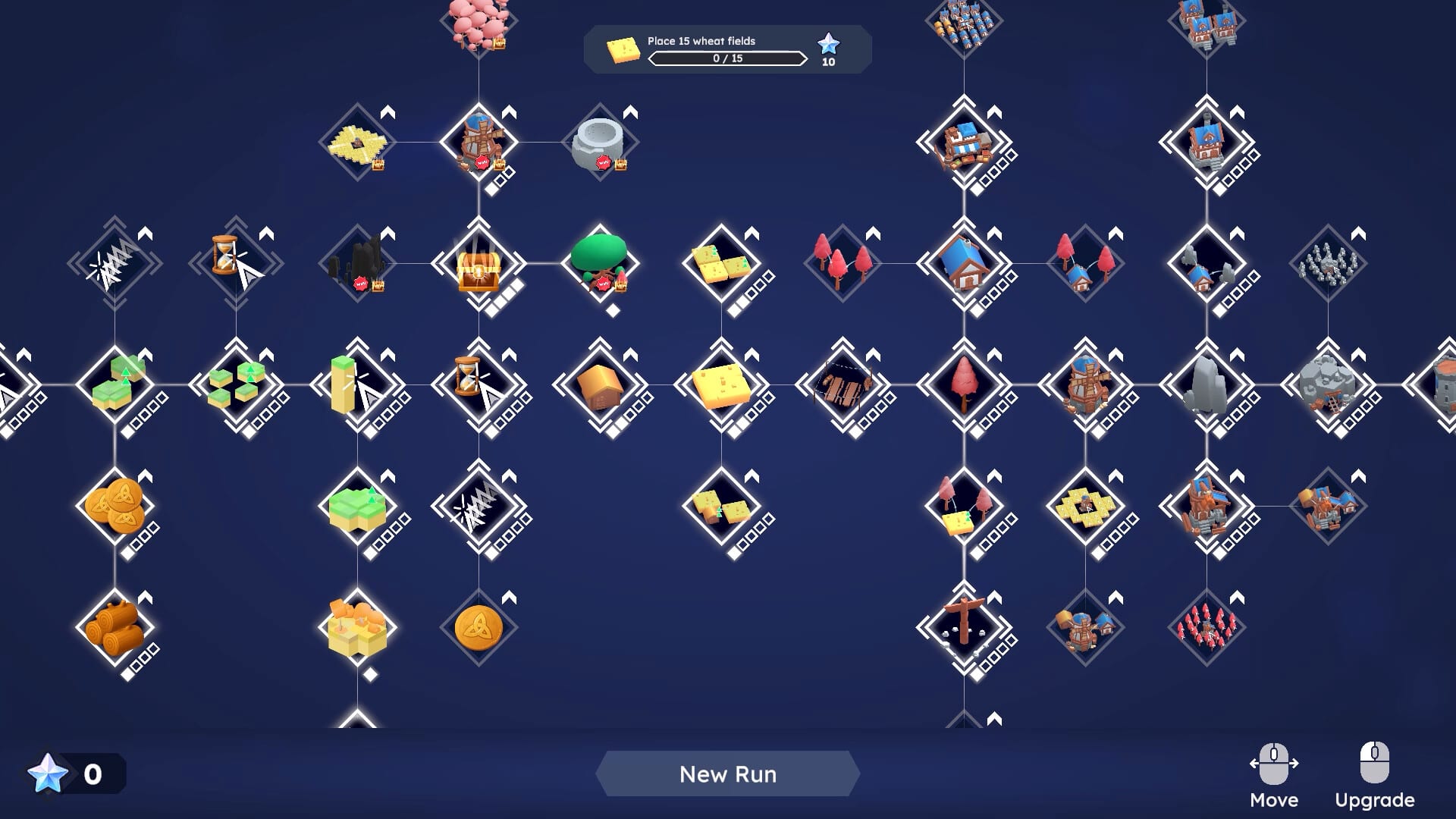
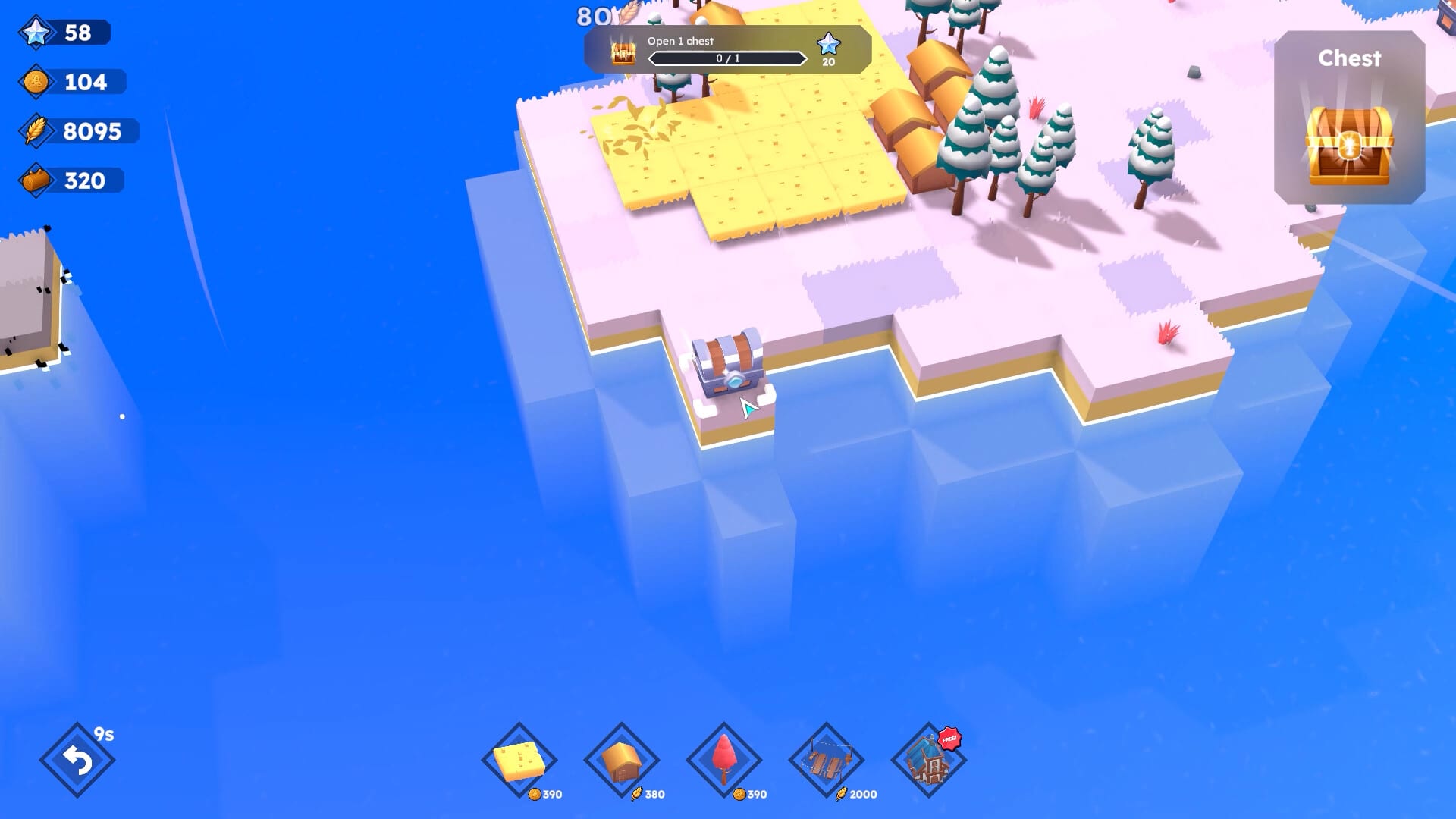
Chest Discovery, another skill node, gives claimed tiles a chance to spawn a new chest. That is a mid-game luxury. Do not delay your first quarry or lumbermill to chase chests.
How clicking works
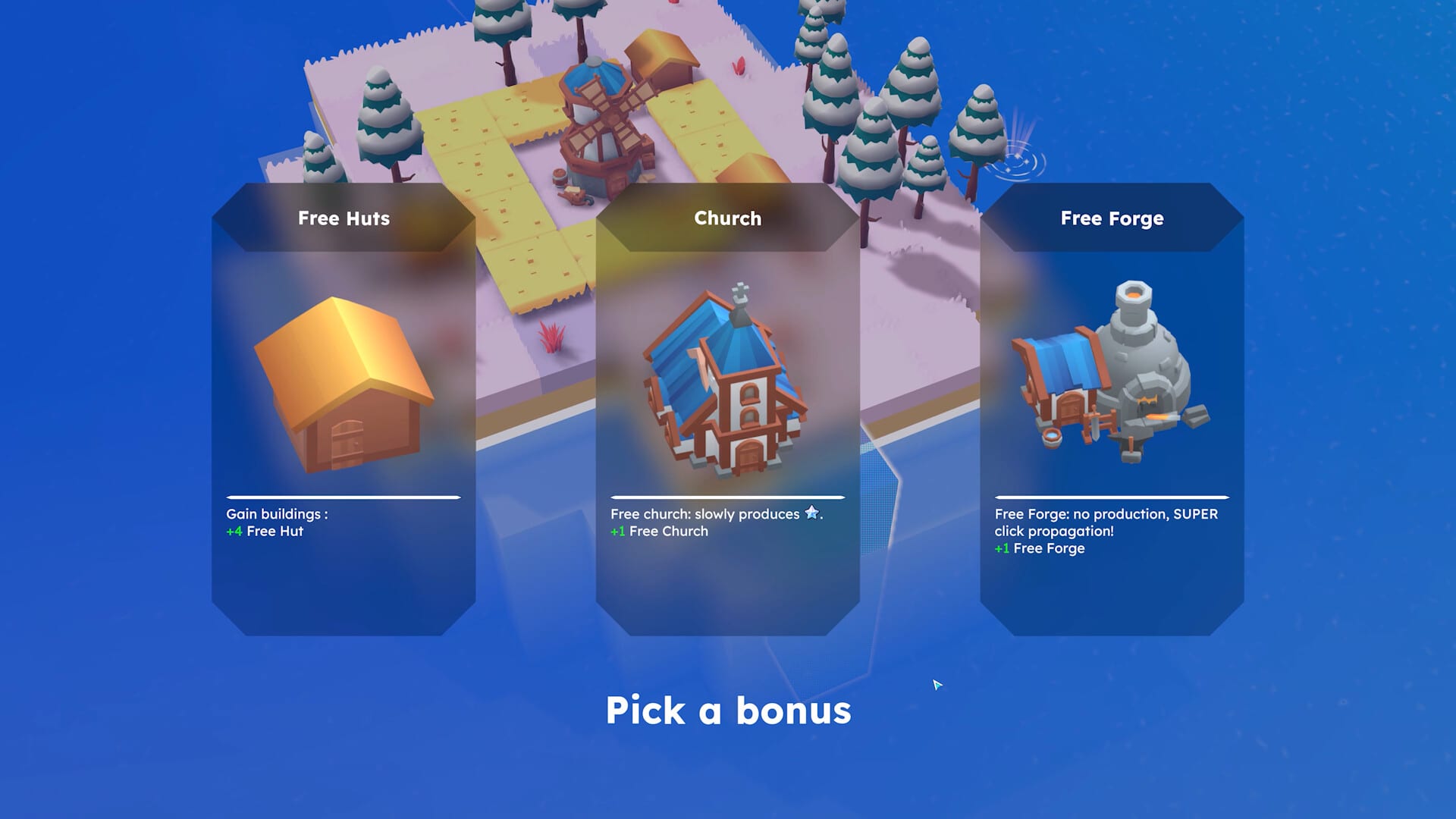
Clicking a building speeds its production. You can play as a classic clicker or lean on idle tools. Patch 0.6.0 buffed auto-click speed for people who dislike mashing. The Guild Hall automatically clicks around itself, so it is a placement, not a settings toggle. Castles later add “SUPER click propagation,” which means one click can fan out instead of hitting a single tile.
If your hand hurts, place a Guild Hall, take the auto-click nodes you can afford, and treat clicking as a burst when a quest asks for it. The game lists “Playable without Timed Input” on Steam, so you are not required to click on a rhythm.
First buildings you will actually use
The opening quests teach producers before landmarks. Expect some mix of these, depending on which tutorial step is active:
- Rock produces stones. Obsidian is the upgraded “SUPER rock.”
- Quarry produces a lot of stones based on rocks around it. One quarry in empty grass is a waste.
- Cottage does not produce. It plants tree and wheat fields around itself so lumber and food chains have something to eat.
- Lumbermill produces a lot of wood based on nearby trees.
- Guild Hall auto-clicks the neighborhood.
- Watch tower is a land grab, not an income building.
Later 1.0 buildings (Manor, Tower, Castle, Portal) wait until you have coins, stones, and stars flowing. Read the building list before you drop a Tower on a tile that should have held a quarry cluster.
Demo players filed a “place 3 towers” quest that did not count, and a second quarry that did not register. Patch 0.6.0 made placing a building count toward quests and made quests validate retroactively. Patch 0.6.2 also stopped the “click the building” tutorial from completing by itself. If a 1.0 quest still skips a count, try Detailed mode to confirm the building type, then report it.
Resources and why they exist
You will see stones, wood, coins, and stars. Stones feed quarry and tower lines. Wood feeds lumber and construction. Coins show up once manors and later coin sinks exist. Stars are the skill-tree currency and also the reason Towers and Castles exist: those two grant a lot of stars and do not produce the other resources. Banquets and totems mentioned in the 1.0 notes are built with stones or coins depending on the landmark. Treat stars as long-term progress and the other three as the island’s hourly payroll.
First skill purchases
Do not open the entire tree on minute five. Finish the quests that gift you a few nodes, then look at Multi Claim and Chest Discovery if they are reachable. Multi Claim saves time. Chest Discovery adds variance. Jungle and Windmill range are chest-choice nodes, not early defaults. The early nodes page ranks that order with more context.
Settings you should touch once
Open settings before you play a long session. 0.6.0 added display mode, resolution, and language dropdowns after ultrawide users had no way to pick 2560x1440. 1.0 added inverted camera controls and a light/dark transition between the island and the tech tree. Detailed mode is the one setting that changes how you learn the game. Turn it on while you read building synergies.
Languages on Steam include English, French, German, Spanish, and several others. Team Square noted that the translations were homemade and may be imperfect. If a tooltip looks wrong, switch to English for one session and compare.
A clean first-hour checklist
- Claim a ring of tiles around the starter buildings.
- Place rocks or trees before the matching industrial building.
- Click the new producer a few times so you feel the speed-up.
- Place a Cottage if you need trees or wheat instead of raw income.
- Place a Guild Hall when clicking becomes the bottleneck.
- Place a Watch tower only when the border is the bottleneck.
- Open Detailed mode and hover every building you just placed.
- Spend stars on a node that removes a bottleneck, not a node that looks rare.
- When a chest appears, read chest events before you pick Tempest.
- Bookmark How to Farewell and do not reset until you understand the recap screen.
When you want official files, system requirements, or the demo app, use the Links Hub. When you want version history, use Patch 1.0 and the demo patches.
Frequently Asked Questions
Quick answers to the most common Farewells Clicker questions.
Is Farewells Clicker an idle game or a clicker?
Both. You can click buildings to speed production, and Guild Hall plus auto-click nodes cover idle play. Patch 0.6.0 buffed auto-click speed.
What should I build first?
Place the resource the next industrial building eats. Rocks before a quarry, trees before a lumbermill, and a Cottage if you need those fields spawned.
Where do I see full building stats?
Enable Detailed mode with Left Alt or the lower-left toggle added in patch 0.6.0, then hover the building.
Does the game have multiplayer?
No. Steam lists Farewells Clicker as single-player only.
Guides Overview
Farewells Clicker guides for how to play, expand land, farewell, chest events, controls, and a launch-week review.
Expand Island
Expand a Farewells Clicker island with Watch towers, Multi Claim, and smarter borders instead of empty claimed grass.
How to Farewell
Learn when a Farewells Clicker farewell reset is worth it, what the recap shows, and when Creative Mode is safer.
Chest Events
Chest events in Farewells Clicker: Whack-A-Mole, Tempest, and Cloning, plus when Chest Discovery is safe to unlock.
Controls
Farewells Clicker controls: Detailed mode, resolution, language, inverted camera, and ultrawide fixes from the 0.6 patches.
Review
Farewells Clicker review of the 1.0 Steam launch: demo versus full game, who it is for, and what still needs a patch.